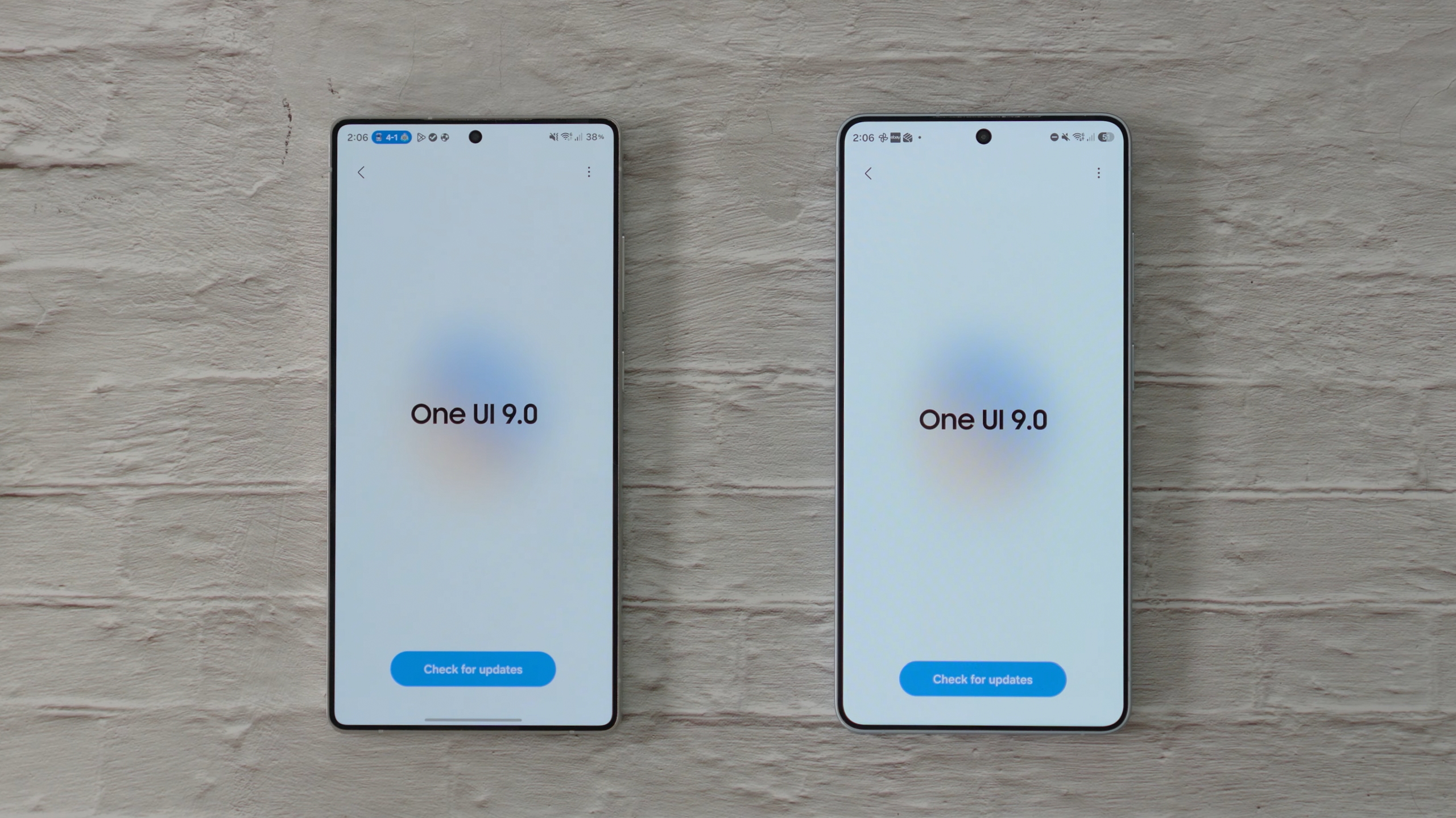
One UI 9 (Android 17) is rolling out widely to Galaxy devices, and if you’ve installed the update, there’s plenty you can do to make your phone look and feel different.
Changing the wallpaper is an obvious starting point, but why stop there? You can adjust the lock screen clock, rearrange and resize Quick Panel controls, and change your home screen layout to keep more of your favorite apps within easy reach.
Our latest YouTube video walks you through these options and more. Some are built into your phone’s settings, while others use Samsung’s Good Lock app and its customization modules.
For example, Good Lock lets you add backgrounds to parts of the Quick Panel, change the appearance of your app dock, and make folders easier to use with one hand.
You can also set up multi-finger gesture shortcuts or try a DIY home screen layout that lets you position and overlap items freely. Even the camera interface can get a little tidier by hiding some of the indicators above the viewfinder.
Not all these options are new with One UI 9 (and some may not be available on all devices), but they’re worth exploring if you haven’t tried them before. Watch the full video on our YouTube channel to see the changes in action and follow along on your Galaxy phone.









 Loading ...


